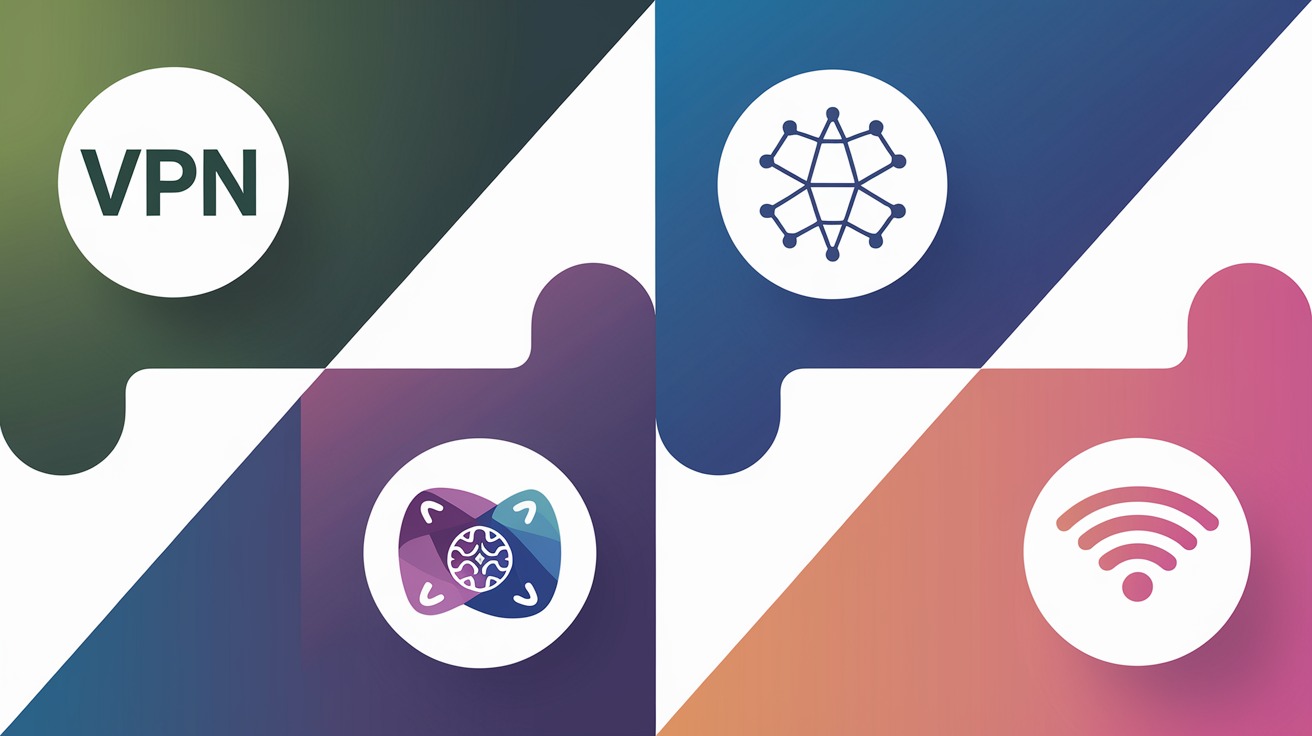
The Best 4 Ways to Hide Your IP Address Online
Ever felt like you're being closely watched while surfing the internet? Imagine a pair of eyes always following you around, logging your every move, and worse, storing your private information. That's what an internet protocol (IP) address is capable of! IP addresses can reveal much about you, for instance, your physical location.
To help you keep your online presence safe, we’re here to give you the best 4 ways to hide your IP. But before anything else, we should talk about the important stuff first to help you get started.
What is an IP address?
IP addresses are digital identifiers that enable communication between devices. There are two types: dynamic and static.
Dynamic IP addresses: Dynamic IP addresses change regularly and are assigned by Internet Service Providers (ISPs). They are primarily used for residential connections.
Static IP addresses: Static IP addresses are fixed and manually configured. They are often used for devices that need continuous access, like web servers or network printers.
Why should I hide my IP address online?
Online privacy: Your IP address is unique, and hiding it protects your digital identity from unwanted advertisers, data brokers, and potential hacking.
Cyberthreat protection: Masking your IP address protects you from potential cyber threats like DDoS attacks or other hacking attempts.
Geo-restrictions: Many online services restrict content based on your IP address location. Hiding your IP allows you to bypass these restrictions.
Transaction security: Hiding your IP address when making sensitive online transactions like banking or shopping adds extra security, protecting your personal and financial information.
Over 50% of internet users are concerned about online privacy and security, but don't worry - we've got you covered! We're here to share the best methods to hide your IP address.
VPN
Your IP address acts like your digital fingerprint. A virtual private network (VPN) can be used to conceal it, keeping all your online activity private. It achieves this by encrypting your internet traffic and redirecting it through a remote server, changing the visible IP address to the VPN's, not yours. It's similar to using a P.O. box instead of your home address.
VPN's data encryption also masks your online activity, meaning an ISP won't be able to see any of your search results and won't be able to use your data for advertisement purposes. However, The only thing they will know is that you are using a VPN. A VPN also allows you to access region-locked sites and content you wouldn't originally be allowed to visit when using your IP address.
There are many VPN services you can use like a free VPN to hide your IP address, and there are some that are subscription-based. However, free services may compromise your privacy by logging your data and selling it to advertisers. Paid services usually provide more reliability and better privacy protection. Make sure to select a trustworthy provider that has a strict no-logs policy. It ensures they will keep your data and online activity private.
Proxy Server
You can use a proxy to hide your IP address, offering increased online privacy and security by acting as a buffer between you and the internet. Your internet traffic is routed via the proxy, obscuring your IP address.
There are various proxy types - Hypertext Transfer Protocol (HTTP), Hypertext Transfer Protocol Secure (HTTPS), and SOCKetS (SOCKS), each providing different levels of anonymity and encryption:
HTTP: A protocol that allows the transmission of data over the internet. However, it doesn't encrypt your data, leaving you vulnerable to hackers. HTTP is ideal for basic web browsing where security isn't a key concern.
HTTPS: Similar to HTTP, but it provides encryption for your data to increase your online security. It's always recommended to use websites with 'https://' in their URL. Use HTTPS when dealing with sensitive information like banking or personal details.
SOCKS: A more versatile protocol that can handle all types of traffic, not just web traffic. It provides a higher level of anonymity compared to HTTP/HTTPS. SOCKS is best for activities requiring high anonymity levels or handling non-web traffic, such as gaming or streaming.
If you're new to this technology, you can try out these protocols using free proxy servers. There are also paid unlimited residential proxies that you may use if you're interested in accessing geo-restricted content, which is common for streaming services like Netflix.
TOR Network
The Onion Router (TOR) network works by rerouting internet traffic through various servers managed by volunteers, making it tough to trace a user's original IP.
TOR uses multiple encryption layers, like a complex puzzle. Each server decrypts a layer as data travels through the network, revealing the next server to pass the data along. This process hides the user's IP address using various IP addresses within the TOR network.
Despite providing strong anonymity, the TOR network's effectiveness depends on careful use. It is not invincible to potential risks, and users must be cautious when sharing sensitive information.
Remember, the TOR network may slow browsing speed down due to its multi-stop routing process. Also, it may only be suitable for some online activities, especially those needing authentication or personal information sharing.
Public Wi-Fi
Using public Wi-Fi can help hide your IP address. It is common in places like cafes and airports. With numerous devices logged onto the same network, the external IP address is shared, which conceals your original IP address. It's like wearing the same uniform as everyone else, making it difficult for anyone to single you out.
But be careful when using public Wi-Fi for this purpose. The network's security can vary, potentially leading to risks like data theft or unauthorized access.
Also, not all web activities are safe on public WiFi. If you're dealing with sensitive information, ensure the network is secure and consider using additional protection like VPNs or encrypted connections.
Take Control of Your Privacy Today
Using one or more of the 4 ways to hide your IP address outlined in this article can help protect your online privacy and keep your personal information safe from prying eyes. As a final note, it's important to remember that while hiding your IP address can provide privacy and security, it's not foolproof. Practicing safe browsing habits and using reputable services to protect your online activity is always a good idea.
If you're looking for a reliable and high-quality proxy server, look no further than Geonode. We offer a wide range of proxy servers with different features and pricing plans to suit your needs. You can enjoy a safer and more private online experience while accessing geo-restricted content and websites from anywhere in the world.
Post a comment